Unlock the essentials with our corporate event AV glossary. Master key terms to enhance communication and ensure flawless productions!
TL;DR:
• Understanding AV terminology helps event planners communicate effectively with technical teams and avoid costly errors. It covers core equipment categories, protocols, and workflows essential for a polished corporate event. Mastery of these terms minimizes technical failures and enhances coordination throughout the production process.
A corporate event AV glossary is a curated reference of audiovisual terminology that gives event planners the language to work confidently with AV teams and execute productions without costly miscommunication. AV encompasses all electronic equipment responsible for sound and image display in live environments, including microphones, mixers, speakers, LED screens, projectors, cameras, and streaming hardware. Knowing this vocabulary is not optional for serious planners. It is the difference between a polished corporate presentation and a room full of confused technicians waiting for clear direction. This guide covers the core equipment categories, critical technical protocols, and production workflow terms you need to know before your next event.
AV equipment for corporate events falls into four main categories: audio, visual, lighting, and control systems. Each category plays a distinct role, and understanding how they connect is what separates a planner who guides the room from one who just watches things unfold.

Audio equipment covers everything the audience hears. The core components are:
• Microphones: Handheld, lapel (lavalier), and headset mics each serve different speaker formats. Lapel mics work best for keynote speakers who need to move freely.
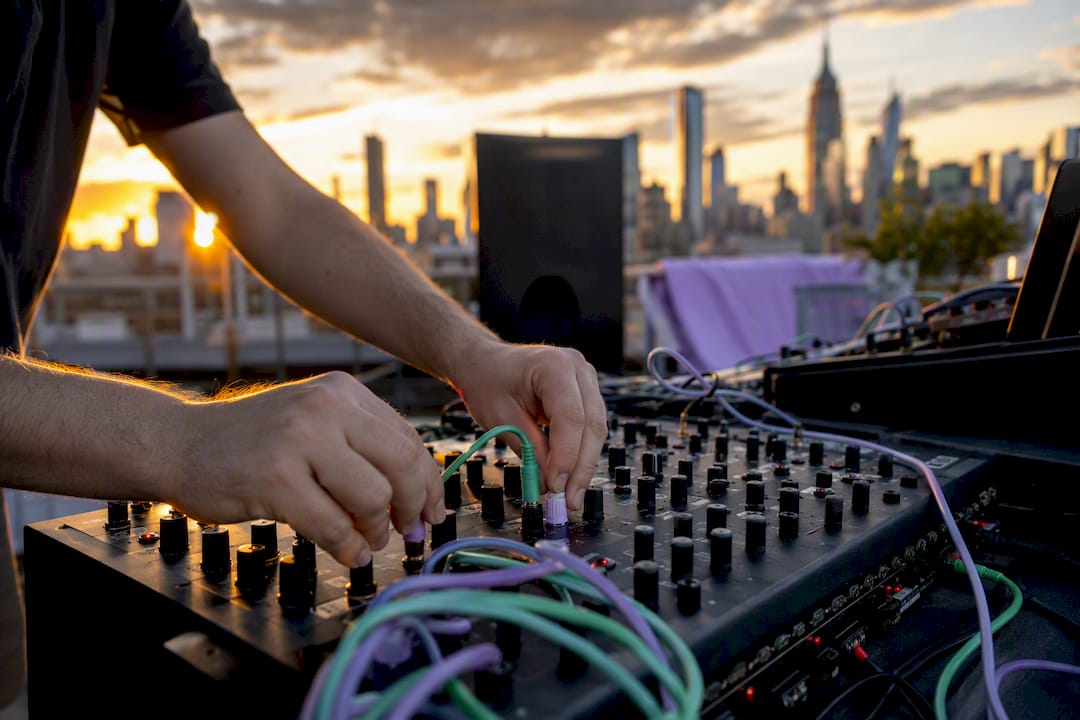
• Mixers: A mixer combines and balances multiple audio inputs. The technician at the mixer controls which sounds reach the speakers and at what volume.
• Speakers: Main speakers project sound to the audience. Subwoofers handle low frequencies. Delay speakers fill large rooms where the main speakers cannot reach the back rows.
Visual equipment covers everything the audience sees. The main options are:
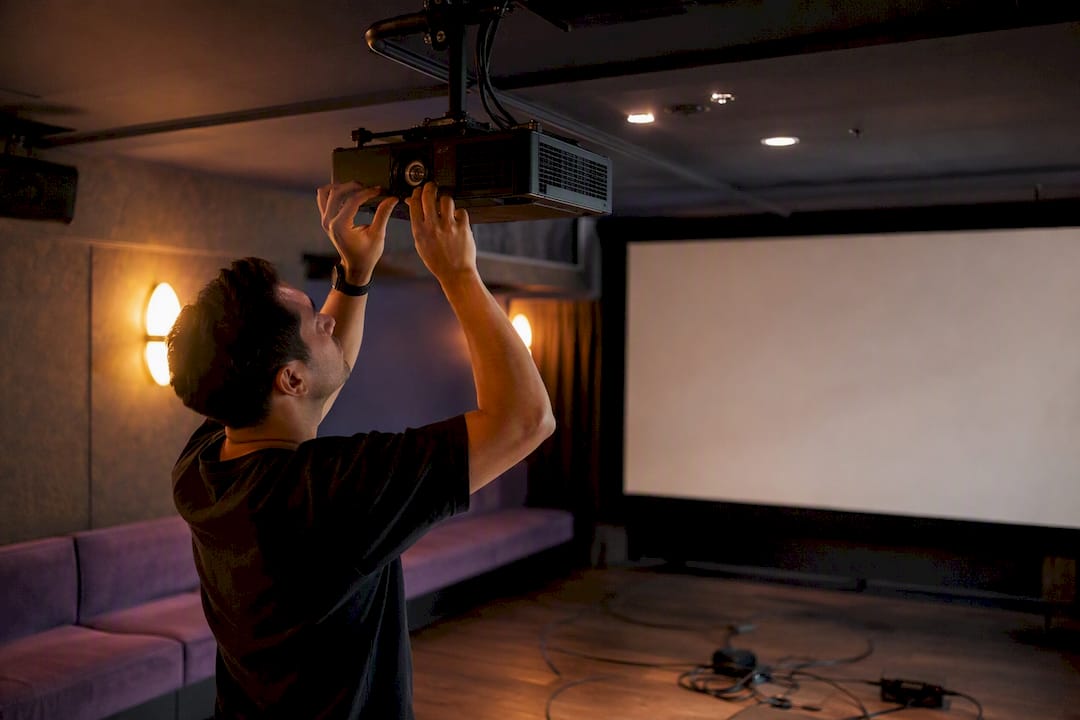
• Projectors: Best for mid-size rooms with controlled lighting. Brightness is measured in lumens; corporate rooms typically need at least 5,000 lumens for clear daytime visibility.
• LED walls: Modular panels that create large, bright displays. They perform better than projectors in brightly lit ballrooms and large conference halls.
• Screens: Projection screens come in front-projection and rear-projection formats. Rear-projection keeps the stage area cleaner by hiding the projector behind the screen.
• Cameras: Used for live streaming, recording, or displaying close-up speaker shots on side screens (called IMAG, short for image magnification).
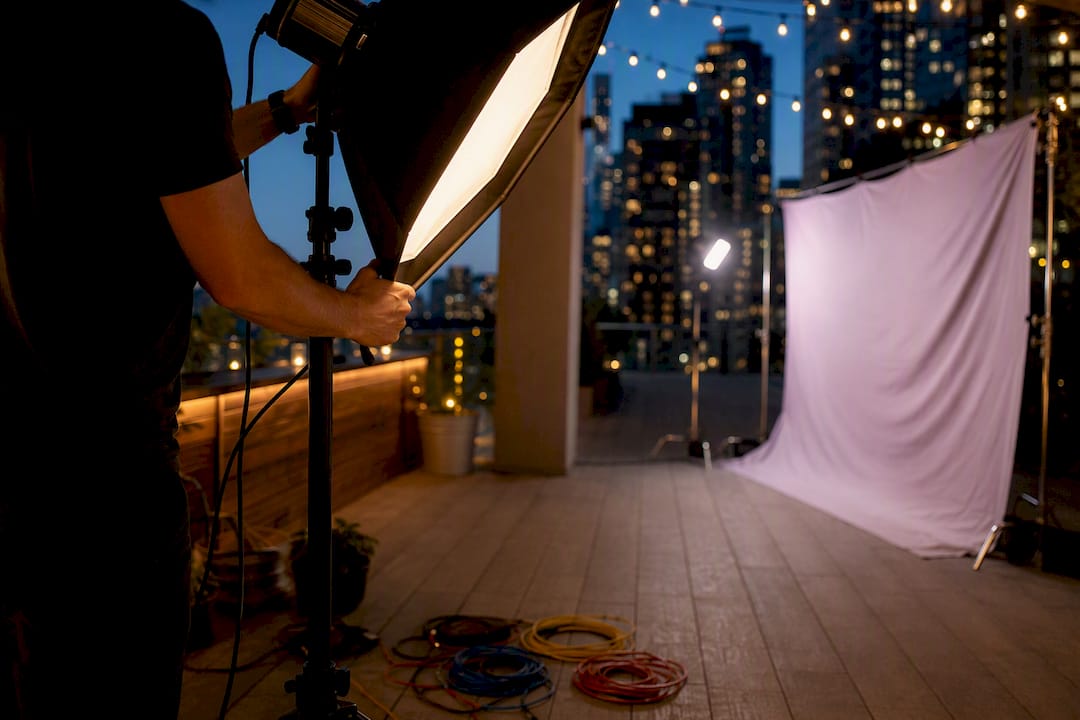
Lighting fixtures set the mood and direct audience attention. Control systems tie everything together. A patch panel routes audio and video signals between equipment. A mixer handles both audio levels and, in some setups, video switching. DMX is the digital protocol that controls lighting fixtures, telling each light when and how to change color, intensity, or direction. Without DMX, lighting cues must be operated manually, which slows production and increases error risk.
Pro Tip: Ask your AV provider for a signal flow diagram before the event. It shows exactly how audio, video, and lighting connect, and it makes troubleshooting on the day much faster.
Technical fluency with the following terms puts you in control of conversations with your AV crew and venue contacts.
1. Run of show. A run of show is a detailed schedule outlining every moment, cue, and transition during an event. It keeps every production team member synchronized. Treat it as a living document and update it every time a speaker changes their timing or a segment is added.
2. Front of House (FOH). FOH is the control area where AV technicians operate soundboards, lighting consoles, and video mixers. It is typically positioned at the rear of the audience or in a dedicated booth. Knowing where FOH is located helps you direct last-minute changes to the right person instantly.
3. DMX. As noted above, DMX is the lighting control protocol. When you ask for a specific lighting look at a specific moment, your lighting technician programs that into the DMX console and triggers it on cue.
4. Latency. Latency is the delay between an action, such as speaking into a microphone, and when the audience perceives the sound or video. High latency in a live event creates an echo effect or a visible lip-sync mismatch on screens. Minimizing latency is non-negotiable for live presentations.
5. PAT (Portable Appliance Testing). PAT certificates confirm that electrical equipment has been safety-tested. Many venues require current PAT certificates from AV providers before allowing equipment load-in. Missing certificates can result in equipment rejection on the day of the event.
Pro Tip: Request PAT certificates from your AV provider at least two weeks before the event. Venue operations teams often check these during pre-event walkthroughs, not on load-in day.
Understanding AV terminology in the context of your production workflow is where knowledge becomes practical. These are the terms that govern the physical and logistical side of your event day.
• Load-in and load-out. Load-in and load-out describe the processes of moving AV equipment into and out of the venue. Load-in time must be built into your venue contract. A corporate dinner that starts at 7 PM may need a load-in window starting at noon to allow for rigging, cable runs, and testing.
• Mic check. A mic check tests all microphones and audio equipment before the event begins. It is a critical step that catches feedback issues, dead batteries, and signal problems before they happen in front of an audience. Schedule mic checks at least 45 minutes before doors open.
• Cue. A cue is a specific instruction for an AV technician to trigger a lighting change, play a video, or switch a camera shot. Cues are listed in the run of show with exact timing. Clear cue language prevents the wrong video from playing at the wrong moment.
• Confidence monitors. Confidence monitors are screens facing speakers or performers so they can see their presentation slides or speaker notes without turning to look at the main screen. They are standard at professional corporate events and significantly improve speaker delivery and pacing.
When your team uses the same terminology as the AV crew, briefings take minutes instead of hours. You can also review an AV equipment overview to build on these definitions with practical context.

Clear audio and crisp visuals are core to effective corporate communication, not optional extras. Planners who undervalue AV basics risk poor audience experience and damaged brand credibility.
The most common pitfalls trace directly back to terminology gaps. A planner who does not know what a PAT certificate is cannot request one in advance. A planner unfamiliar with FOH cannot direct a last-minute speaker change to the right technician. A planner who has never seen a run of show cannot catch a missing cue during rehearsal.
“Event organizers who treat the run of show as a living document with clear cue markers ensure synchronized lighting, audio, and video transitions for polished productions.” — AV industry best practice
Latency issues are another common failure point. When a speaker’s voice echoes through the room or their lips do not match the screen, the audience loses focus. Catching this during the mic check, not during the keynote, requires knowing what latency is and asking your AV team to test for it explicitly.
Pro Tip: Build a personal event AV checklist that includes PAT certificate verification, FOH location confirmation, mic check scheduling, and run of show distribution. Run through it 48 hours before every event.
You can also explore sound system best practices to sharpen your audio setup decisions before the event day arrives.
Mastering AV terminology is the single most effective way corporate event planners can reduce technical failures and communicate clearly with production crews.
| Point | Details |
|---|---|
| Know your equipment categories | Audio, visual, lighting, and control systems each have distinct roles that must integrate for a polished event. |
| Use the run of show as a living document | Update cue markers every time the program changes to keep all AV teams synchronized. |
| Request PAT certificates early | Ask for current safety certificates at least two weeks before load-in to avoid venue rejection. |
| Schedule mic checks before doors open | Test all audio equipment at least 45 minutes before the audience arrives to catch issues in advance. |
| Learn FOH and confidence monitor basics | Knowing where the control area is and how speaker monitors work speeds up last-minute coordination. |
We have worked alongside corporate event planners at all experience levels, and the pattern is consistent. Planners who know AV terminology walk into venue walkthroughs with authority. They ask the right questions, catch gaps in the production schedule, and build trust with AV crews in the first ten minutes. Planners who do not know the language spend the same time nodding along and hoping nothing goes wrong.
The most common mistake we see is treating AV as someone else’s problem. A planner’s job does not stop at booking the room and confirming the catering. The AV setup is the delivery mechanism for every message your client wants to communicate. If the sound fails during the CEO’s address or the wrong slide appears on screen, the planner owns that outcome regardless of who operated the equipment.
Our advice is to use this audio visual glossary as a starting point, not a finish line. Sit in on a load-in at least once. Watch how the FOH technician sets levels during a mic check. Ask your AV provider to walk you through the run of show before rehearsal. That hands-on exposure builds the kind of confidence no glossary can fully replace. You can also review AV basics for events for a deeper foundation before your next production.
— PORCCI
Porcci NYC provides professional AV and sound system rentals for corporate events across New York City and New Jersey, covering everything from microphones and mixers to LED walls and full production setups. Every rental includes delivery, setup, and breakdown, so your team focuses on the program while we handle the equipment. We also serve planners in Brooklyn with dedicated Brooklyn AV rental options and Jersey City with Jersey City AV solutions. Contact Porcci NYC to request a quote and get expert guidance matched to your event size and venue requirements.
A corporate event AV glossary is a reference list of audiovisual terms used in event planning and production. It helps planners communicate clearly with AV technicians and venue teams.
FOH stands for Front of House, the area where AV technicians control soundboards, lighting consoles, and video mixers, typically located at the rear of the audience.
Latency is the delay between a microphone input and the audience hearing the sound. High latency causes echo or lip-sync issues that distract audiences and undermine speaker credibility.
A PAT certificate confirms that electrical AV equipment has passed a safety test. Many venues require current certificates before allowing equipment load-in, and missing them can cause day-of delays.
A run of show is the full event schedule listing every segment and transition. A cue is a specific instruction within that schedule telling an AV technician to trigger a lighting change, video, or audio element at a precise moment.
Unlock the essentials with our corporate event AV glossary. Master key terms to enhance communication and ensure flawless productions!
TL;DR:
• Understanding AV terminology helps event planners communicate effectively with technical teams and avoid costly errors. It covers core equipment categories, protocols, and workflows essential for a polished corporate event. Mastery of these terms minimizes technical failures and enhances coordination throughout the production process.
A corporate event AV glossary is a curated reference of audiovisual terminology that gives event planners the language to work confidently with AV teams and execute productions without costly miscommunication. AV encompasses all electronic equipment responsible for sound and image display in live environments, including microphones, mixers, speakers, LED screens, projectors, cameras, and streaming hardware. Knowing this vocabulary is not optional for serious planners. It is the difference between a polished corporate presentation and a room full of confused technicians waiting for clear direction. This guide covers the core equipment categories, critical technical protocols, and production workflow terms you need to know before your next event.
AV equipment for corporate events falls into four main categories: audio, visual, lighting, and control systems. Each category plays a distinct role, and understanding how they connect is what separates a planner who guides the room from one who just watches things unfold.
Audio equipment covers everything the audience hears. The core components are:
• Microphones: Handheld, lapel (lavalier), and headset mics each serve different speaker formats. Lapel mics work best for keynote speakers who need to move freely.
• Mixers: A mixer combines and balances multiple audio inputs. The technician at the mixer controls which sounds reach the speakers and at what volume.
• Speakers: Main speakers project sound to the audience. Subwoofers handle low frequencies. Delay speakers fill large rooms where the main speakers cannot reach the back rows.
Visual equipment covers everything the audience sees. The main options are:
• Projectors: Best for mid-size rooms with controlled lighting. Brightness is measured in lumens; corporate rooms typically need at least 5,000 lumens for clear daytime visibility.
• LED walls: Modular panels that create large, bright displays. They perform better than projectors in brightly lit ballrooms and large conference halls.
• Screens: Projection screens come in front-projection and rear-projection formats. Rear-projection keeps the stage area cleaner by hiding the projector behind the screen.
• Cameras: Used for live streaming, recording, or displaying close-up speaker shots on side screens (called IMAG, short for image magnification).
Lighting fixtures set the mood and direct audience attention. Control systems tie everything together. A patch panel routes audio and video signals between equipment. A mixer handles both audio levels and, in some setups, video switching. DMX is the digital protocol that controls lighting fixtures, telling each light when and how to change color, intensity, or direction. Without DMX, lighting cues must be operated manually, which slows production and increases error risk.
Pro Tip: Ask your AV provider for a signal flow diagram before the event. It shows exactly how audio, video, and lighting connect, and it makes troubleshooting on the day much faster.
Technical fluency with the following terms puts you in control of conversations with your AV crew and venue contacts.
1. Run of show. A run of show is a detailed schedule outlining every moment, cue, and transition during an event. It keeps every production team member synchronized. Treat it as a living document and update it every time a speaker changes their timing or a segment is added.
2. Front of House (FOH). FOH is the control area where AV technicians operate soundboards, lighting consoles, and video mixers. It is typically positioned at the rear of the audience or in a dedicated booth. Knowing where FOH is located helps you direct last-minute changes to the right person instantly.
3. DMX. As noted above, DMX is the lighting control protocol. When you ask for a specific lighting look at a specific moment, your lighting technician programs that into the DMX console and triggers it on cue.
4. Latency. Latency is the delay between an action, such as speaking into a microphone, and when the audience perceives the sound or video. High latency in a live event creates an echo effect or a visible lip-sync mismatch on screens. Minimizing latency is non-negotiable for live presentations.
5. PAT (Portable Appliance Testing). PAT certificates confirm that electrical equipment has been safety-tested. Many venues require current PAT certificates from AV providers before allowing equipment load-in. Missing certificates can result in equipment rejection on the day of the event.
Pro Tip: Request PAT certificates from your AV provider at least two weeks before the event. Venue operations teams often check these during pre-event walkthroughs, not on load-in day.
Understanding AV terminology in the context of your production workflow is where knowledge becomes practical. These are the terms that govern the physical and logistical side of your event day.
• Load-in and load-out. Load-in and load-out describe the processes of moving AV equipment into and out of the venue. Load-in time must be built into your venue contract. A corporate dinner that starts at 7 PM may need a load-in window starting at noon to allow for rigging, cable runs, and testing.
• Mic check. A mic check tests all microphones and audio equipment before the event begins. It is a critical step that catches feedback issues, dead batteries, and signal problems before they happen in front of an audience. Schedule mic checks at least 45 minutes before doors open.
• Cue. A cue is a specific instruction for an AV technician to trigger a lighting change, play a video, or switch a camera shot. Cues are listed in the run of show with exact timing. Clear cue language prevents the wrong video from playing at the wrong moment.
• Confidence monitors. Confidence monitors are screens facing speakers or performers so they can see their presentation slides or speaker notes without turning to look at the main screen. They are standard at professional corporate events and significantly improve speaker delivery and pacing.
When your team uses the same terminology as the AV crew, briefings take minutes instead of hours. You can also review an AV equipment overview to build on these definitions with practical context.
Clear audio and crisp visuals are core to effective corporate communication, not optional extras. Planners who undervalue AV basics risk poor audience experience and damaged brand credibility.
The most common pitfalls trace directly back to terminology gaps. A planner who does not know what a PAT certificate is cannot request one in advance. A planner unfamiliar with FOH cannot direct a last-minute speaker change to the right technician. A planner who has never seen a run of show cannot catch a missing cue during rehearsal.
“Event organizers who treat the run of show as a living document with clear cue markers ensure synchronized lighting, audio, and video transitions for polished productions.” — AV industry best practice
Latency issues are another common failure point. When a speaker’s voice echoes through the room or their lips do not match the screen, the audience loses focus. Catching this during the mic check, not during the keynote, requires knowing what latency is and asking your AV team to test for it explicitly.
Pro Tip: Build a personal event AV checklist that includes PAT certificate verification, FOH location confirmation, mic check scheduling, and run of show distribution. Run through it 48 hours before every event.
You can also explore sound system best practices to sharpen your audio setup decisions before the event day arrives.
Mastering AV terminology is the single most effective way corporate event planners can reduce technical failures and communicate clearly with production crews.
| Point | Details |
|---|---|
| Know your equipment categories | Audio, visual, lighting, and control systems each have distinct roles that must integrate for a polished event. |
| Use the run of show as a living document | Update cue markers every time the program changes to keep all AV teams synchronized. |
| Request PAT certificates early | Ask for current safety certificates at least two weeks before load-in to avoid venue rejection. |
| Schedule mic checks before doors open | Test all audio equipment at least 45 minutes before the audience arrives to catch issues in advance. |
| Learn FOH and confidence monitor basics | Knowing where the control area is and how speaker monitors work speeds up last-minute coordination. |
We have worked alongside corporate event planners at all experience levels, and the pattern is consistent. Planners who know AV terminology walk into venue walkthroughs with authority. They ask the right questions, catch gaps in the production schedule, and build trust with AV crews in the first ten minutes. Planners who do not know the language spend the same time nodding along and hoping nothing goes wrong.
The most common mistake we see is treating AV as someone else’s problem. A planner’s job does not stop at booking the room and confirming the catering. The AV setup is the delivery mechanism for every message your client wants to communicate. If the sound fails during the CEO’s address or the wrong slide appears on screen, the planner owns that outcome regardless of who operated the equipment.
Our advice is to use this audio visual glossary as a starting point, not a finish line. Sit in on a load-in at least once. Watch how the FOH technician sets levels during a mic check. Ask your AV provider to walk you through the run of show before rehearsal. That hands-on exposure builds the kind of confidence no glossary can fully replace. You can also review AV basics for events for a deeper foundation before your next production.
— PORCCI
Porcci NYC provides professional AV and sound system rentals for corporate events across New York City and New Jersey, covering everything from microphones and mixers to LED walls and full production setups. Every rental includes delivery, setup, and breakdown, so your team focuses on the program while we handle the equipment. We also serve planners in Brooklyn with dedicated Brooklyn AV rental options and Jersey City with Jersey City AV solutions. Contact Porcci NYC to request a quote and get expert guidance matched to your event size and venue requirements.
A corporate event AV glossary is a reference list of audiovisual terms used in event planning and production. It helps planners communicate clearly with AV technicians and venue teams.
FOH stands for Front of House, the area where AV technicians control soundboards, lighting consoles, and video mixers, typically located at the rear of the audience.
Latency is the delay between a microphone input and the audience hearing the sound. High latency causes echo or lip-sync issues that distract audiences and undermine speaker credibility.
A PAT certificate confirms that electrical AV equipment has passed a safety test. Many venues require current certificates before allowing equipment load-in, and missing them can cause day-of delays.
A run of show is the full event schedule listing every segment and transition. A cue is a specific instruction within that schedule telling an AV technician to trigger a lighting change, video, or audio element at a precise moment.